The Parking Spot Cancellation Policy: Refund or Travel Credit?
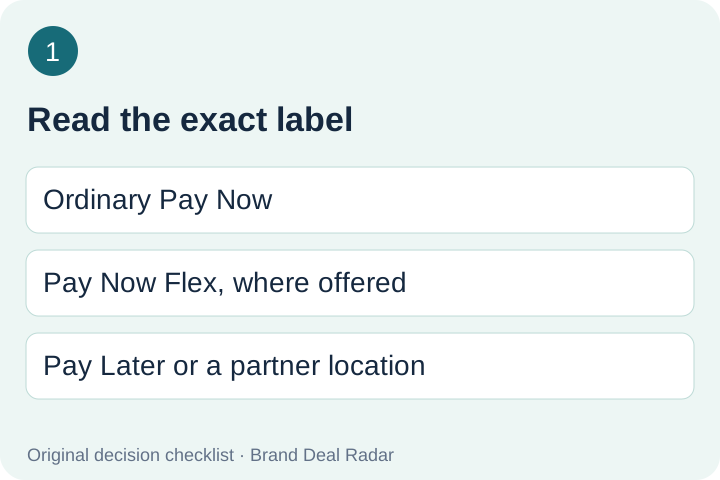
The Parking Spot cancellation outcome depends on the rate you booked: ordinary Pay Now is non-refundable, Pay Now Flex can return travel credit where offered, and Pay Later can be canceled. Read the exact rate label before changing a reservation to use a promo code.
Published 2026-11-04 · Official policy and help pages checked 2026-11-04
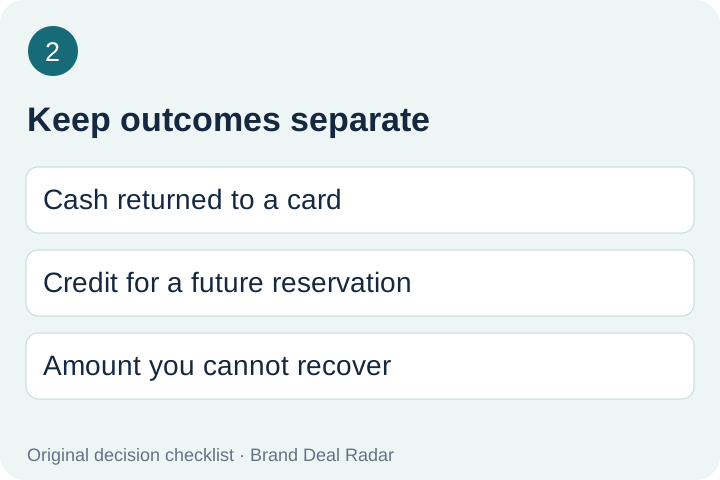
Travel credit is not cash. The full policy gives it a six-month life measured from the original booking date and restricts where it can be used. Confirm the amount and expiry shown for your own reservation.
The cancellation help page summarizes Pay Now and Pay Later. The full policy additionally describes Pay Now Flex. These are separate labels: do not apply the ordinary prepaid rule to every product containing the words Pay Now. If the confirmation and cancellation screen disagree, stop before submitting and ask support to identify the applicable product.
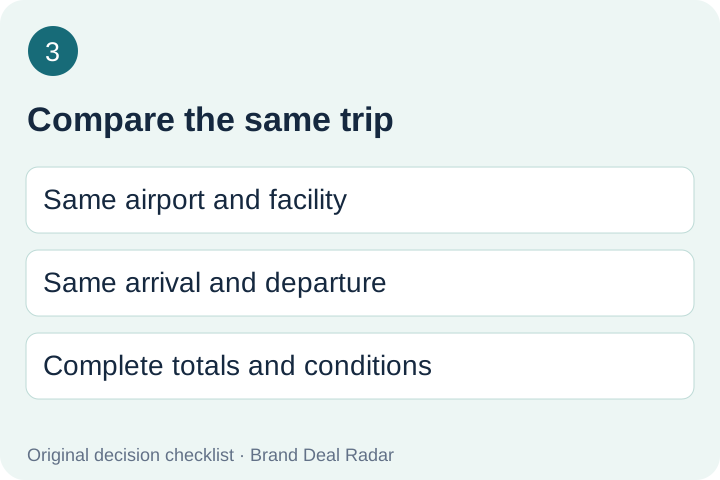
Our comparison method is to keep two records: what happens if you retain the original booking, and what happens if you replace it. Write down the airport, facility, arrival and departure times, parking type, payment label and complete checkout total for each. A cheaper quote at a different facility is not an identical replacement.
Next, separate amounts returning to your payment method from amounts available only for a future booking. Do not subtract future credit from today’s cash spending as though the money had already returned. Do not assume you will use a credit just because it appears in an account.
Finally, preserve the original confirmation while you investigate. A screenshot of a coupon cannot establish the outcome of canceling your booking. Save the cancellation preview and replacement quote together so you can explain the decision to anyone sharing the trip.
A promo code is not proof of better value. The rates help page says discounts do not stack; check the offer being considered instead of adding advertised discounts together.
This original worksheet is for your observations, not a quotation or a savings promise. Leave unknown fields blank and confirm them with the provider before acting. It does not ask for your reservation number, payment details or email address.
Original editorial checklist. The linked official documents supply the cancellation rules above.
Read the exact labelKeep outcomes separateCompare the same trip
Before you submit a change
Find the reservation you intend to change. Do not work from an old search result or an unrelated confirmation.
Read the cancellation or modification preview. Record the outcome in the worksheet and check every unresolved field.
Keep the original and replacement quote side by side. Compare the actual itinerary and the complete amounts shown.
If the outcome is unclear, ask support first. Save the resulting confirmation after any action you choose to take.
These are our checking steps, not instructions to cancel automatically. This guide does not perform a booking, alteration or cancellation on your behalf.
Cancellation questions
How do I cancel in The Parking Spot app?
Sign into Spot Club, open the upcoming reservation, and choose Cancel Reservation. Read the displayed result before confirming.
Send the airline cancellation notice through the official support route. The help article offers assistance but does not promise an automatic cash refund.