Official-source guide

Hotels.com Promo Code: Official Coupons and Member Prices Guide

The Hotels.com official pages checked do not verify one universal reusable public promo code for every booking. Hotels.com does explain how eligible coupons work: choose Pay Now, select a property marked for coupon use, and apply the coupon at checkout. Other official savings are qualification or access based, including signed-in Member Prices, app discounts, and One Key benefits.

Updated 2026-09-28T00:00:00Z · Official sources checked 2026-09-28T00:00:00Z

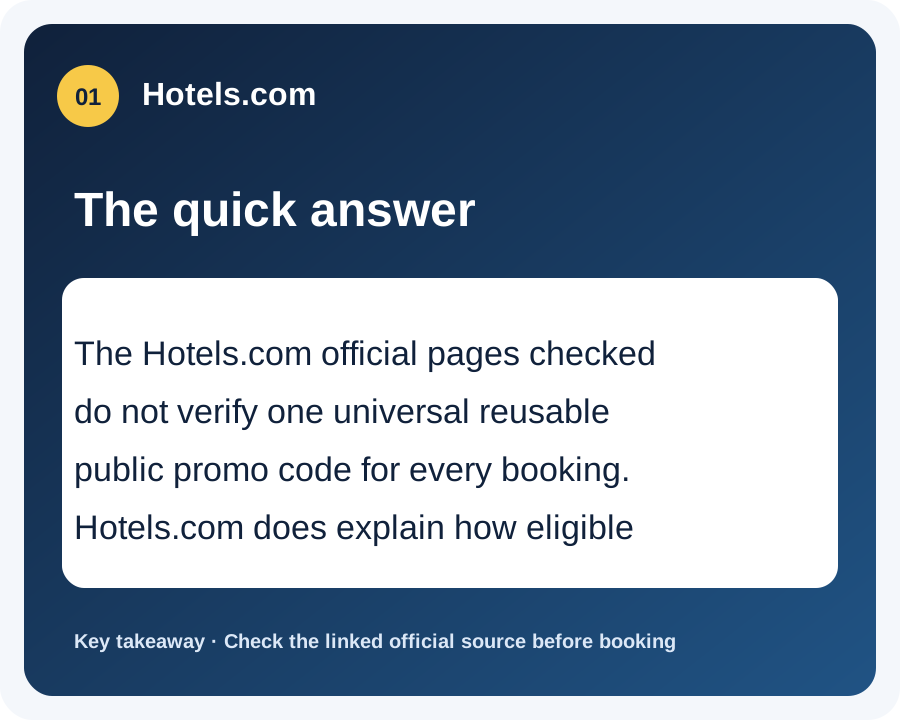
Hotels.com: The quick answer — The Hotels.com official pages checked do not verify one universal reusable public promo code for every booking.…
Key takeaway
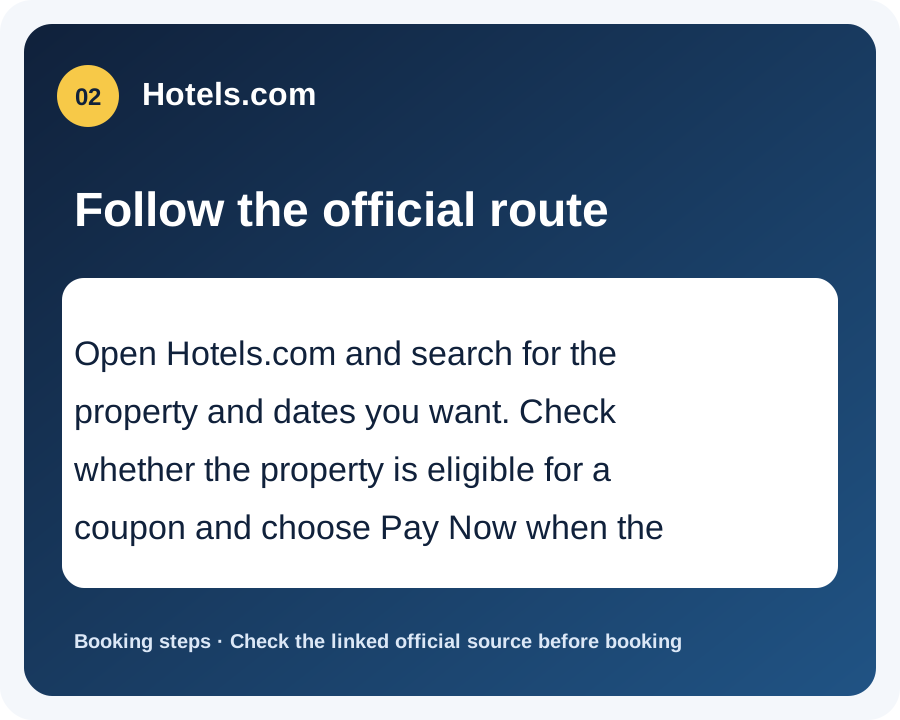
Hotels.com: Follow the official route — Open Hotels.com and search for the property and dates you want. Check whether the property is eligible for a coupon…
Booking steps
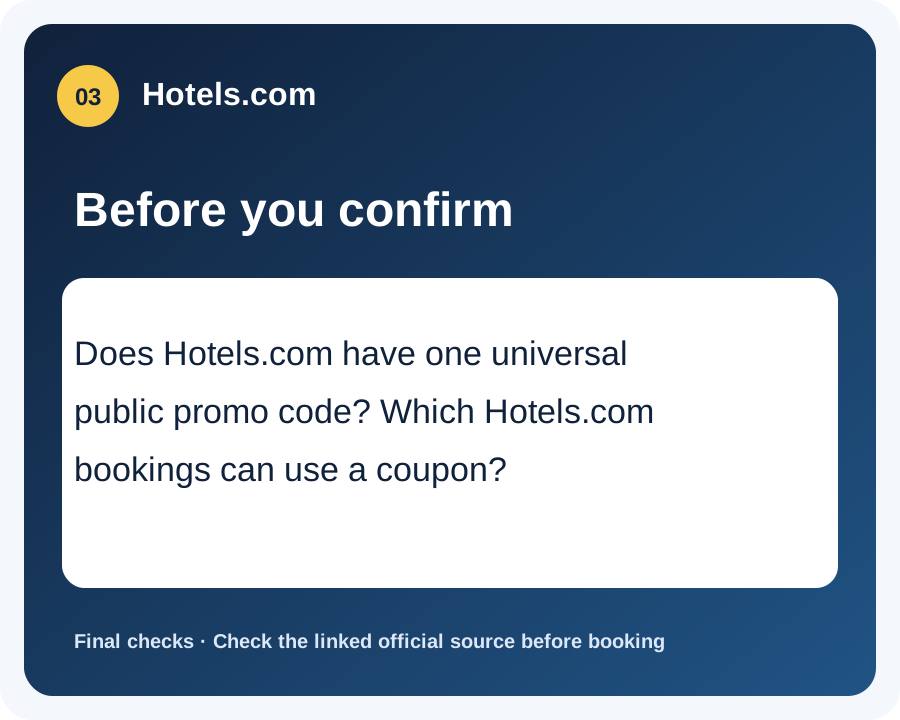
Hotels.com: Before you confirm — Does Hotels.com have one universal public promo code? Which Hotels.com bookings can use a coupon?
Final checks

Current official offers and conditions

OfferHow to get itOfficial sourceChecked
No universal reusable Hotels.com promo code verifiedThe official Hotels.com coupon page explains the redemption workflow but does not display one code that applies to every booking on the page checked. Coupon eligibility depends on the selected property, payment option, and offer terms.Official source2026-09-28T00:00:00Z
Eligible Hotels.com coupons at Pay Now checkoutHotels.com says to choose a property, select Reserve, choose Pay Now at payment, and click “Apply a coupon.” Hotels and vacation rentals that collect payment at the property are not eligible for coupons under the official instructions.Official source2026-09-28T00:00:00Z
Member Prices for signed-in app users and One Key membersHotels.com says Member Prices are available to app users and One Key members when signed in, and only on selected hotels and selected dates. Eligibility and full terms apply to the displayed booking.Official source2026-09-28T00:00:00Z
Hotels.com app discounts and member perksHotels.com says the app can provide discounts on selected hotels and app-exclusive offers and perks for members. This is an app or account access route, not a universal public code.Official source2026-09-28T00:00:00Z

How to use an official Hotels.com coupon or member price

  1. Open Hotels.com and search for the property and dates you want.
  2. Check whether the property is eligible for a coupon and choose Pay Now when the official coupon rules require it.
  3. At payment, click “Apply a coupon,” enter the eligible official code, and apply it before completing the booking.
  4. If using Member Prices or app savings, sign in first and review the selected hotel's displayed price, dates, taxes, fees, and cancellation terms.

Hotels.com promo code FAQs

Does Hotels.com have one universal public promo code?

No universal reusable Hotels.com code was verified on the official coupon page checked. Coupon eligibility depends on the selected property, payment option, and offer terms.

Which Hotels.com bookings can use a coupon?

Hotels.com says the coupon workflow requires selecting Pay Now. Properties and vacation rentals that collect payment at the property are not eligible for coupons under the official instructions.

Who can access Hotels.com Member Prices?

Hotels.com says app users and One Key members can access Member Prices when signed in, on selected hotels and selected dates.

Where do I enter a Hotels.com promo code?

On the payment step, choose “Apply a coupon,” enter the eligible code, and apply it before completing the booking.